
Can I play Double Dragon (NES) online for free?
Yes. Double Dragon (NES) runs directly in your browser and is free to play. Press Play Now on this page and the Famicom game starts in a new tab.
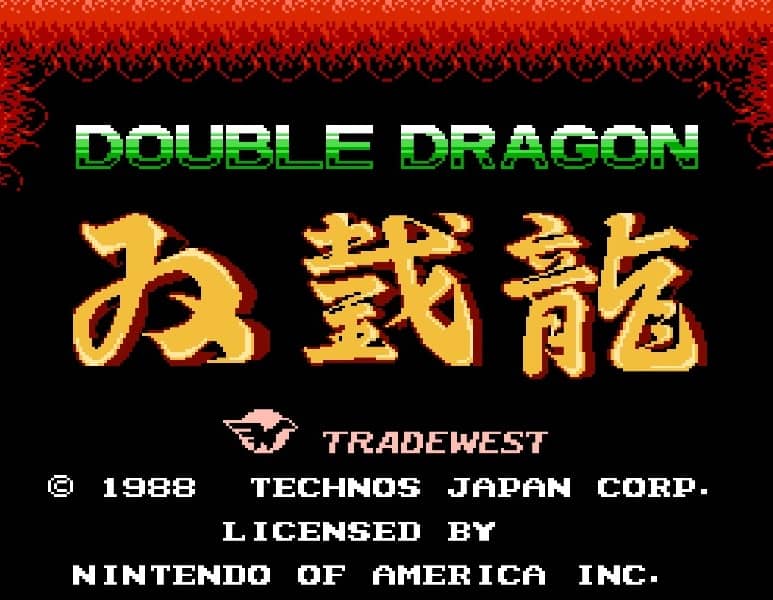
A side-scrolling beat 'em up where players control martial artists Billy and Jimmy Lee to rescue Billy's girlfriend Marian from the Black Warriors gang.
A side-scrolling beat 'em up where players control martial artists Billy and Jimmy Lee to rescue Billy's girlfriend Marian from the Black Warriors gang.
Your goal is to fight through city streets and enemy hideouts to defeat the final boss and rescue Marian. You move your character left and right, using a punch button and a jump button. By combining jump with punch, you can perform a jumping kick. You can also grab enemies after punching them and execute throws or elbow attacks. Defeated enemies sometimes drop weapons like whips and baseball bats, which you can pick up and use for more powerful attacks. The game features both single-player and two-player cooperative modes, though the two-player mode becomes competitive in later stages where you must fight each other. In the early stages, focus on learning the attack patterns of basic enemies and mastering the timing of your throws. As you progress, you'll face enemies with projectile weapons and faster attacks, so use your environment and picked-up weapons strategically. During tense moments, especially against bosses, keep your distance, wait for openings, and use jumping kicks to avoid damage while attacking.
Tip: a gamepad makes special moves and long combos much easier than the keyboard.
Yes. Double Dragon (NES) runs directly in your browser and is free to play. Press Play Now on this page and the Famicom game starts in a new tab.
No. There is no download, ROM file or emulator setup. Everything runs in the browser, so you can start playing Double Dragon (NES) in a few seconds.
Yes. Double Dragon (NES) works in modern mobile browsers with on-screen touch controls. Chrome on Android and Safari on iPhone give the most stable experience.
Yes. Double Dragon (NES) supports online Net Play: create a room from the player menu and send the link to a friend to play together in real time.
 ARCADE2P
1987 · Technōs Japan · 2 Players Online
 ARCADE2P
1988 · Technōs Japan · 2 Players Online
 NES2P
NES2P1989 · Technōs Japan · 2 Players Online
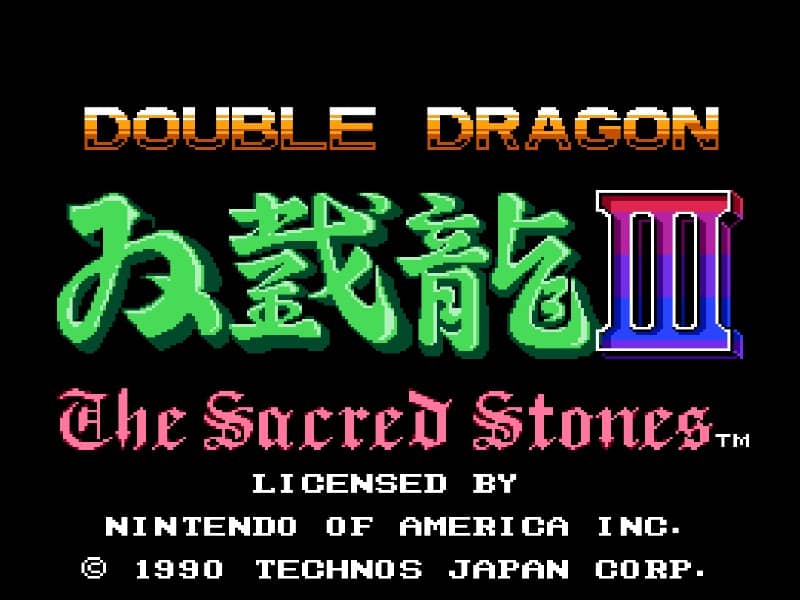 NES2P
NES2P1991 · Technōs Japan · 2 Players Online
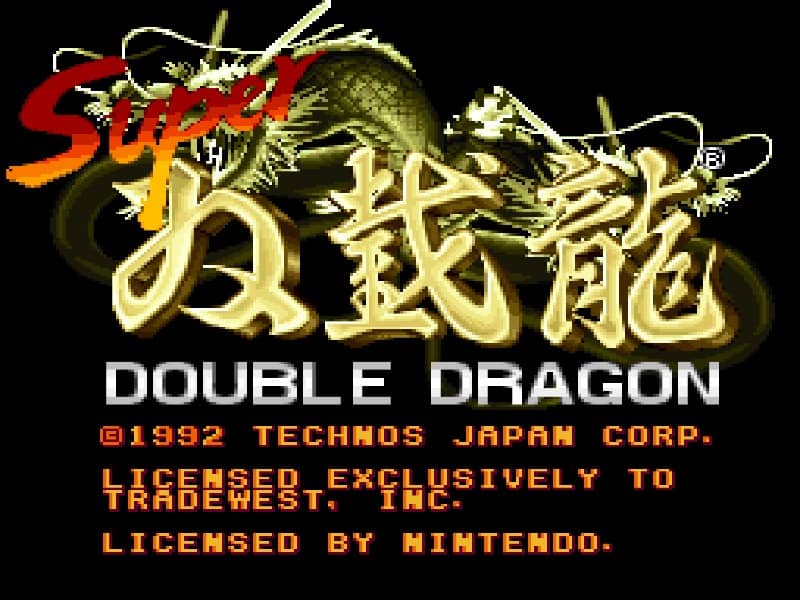 SNES2P
1992 · Technos Japan Corp. · 2 Players Online
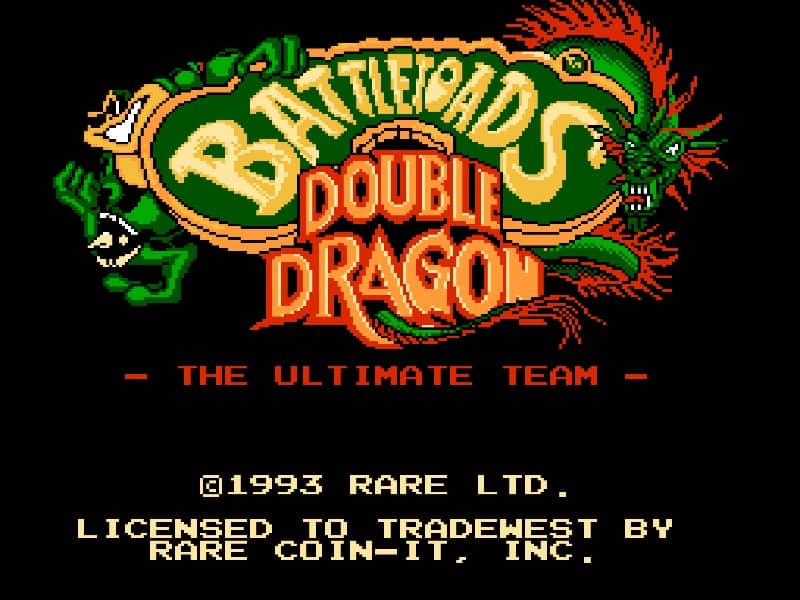 NES2P
NES2P1993 · RARE · 2 Players Online
 GB
GB1993 · Rare
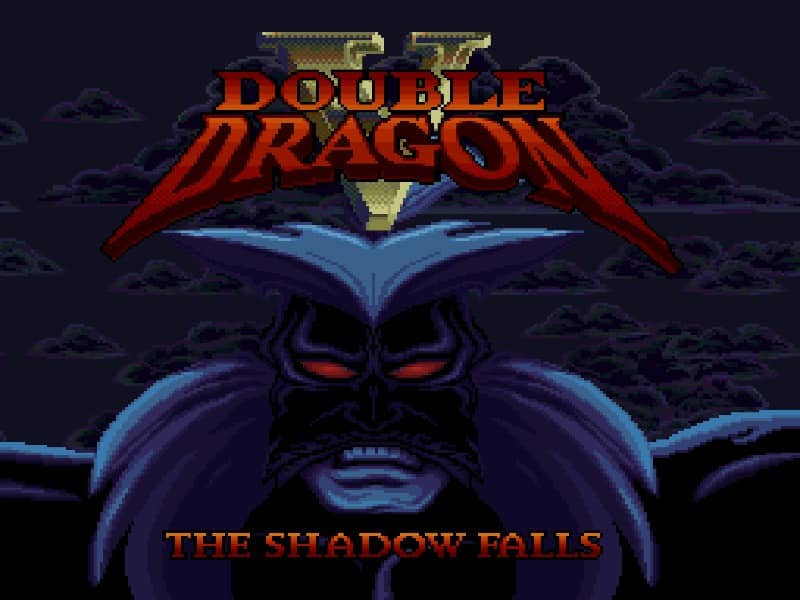 SNES
SNES1994 · Leland Interactive Media
 JAGUAR
1995 · Leland Interactive Media
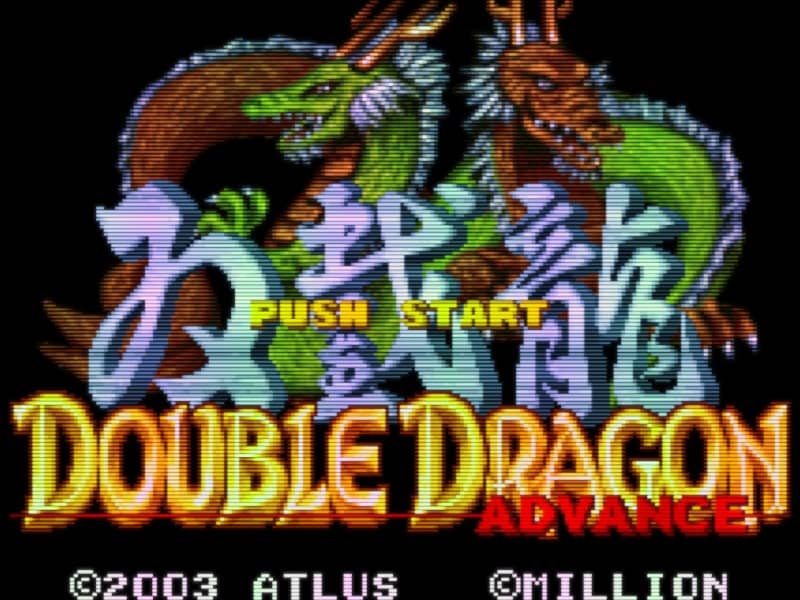 GBA
GBA2003 · MILLION