
Can I play Aero Fighters II online for free?
Yes. Aero Fighters II runs directly in your browser and is free to play. Press Play Now on this page and the Arcade game starts in a new tab.
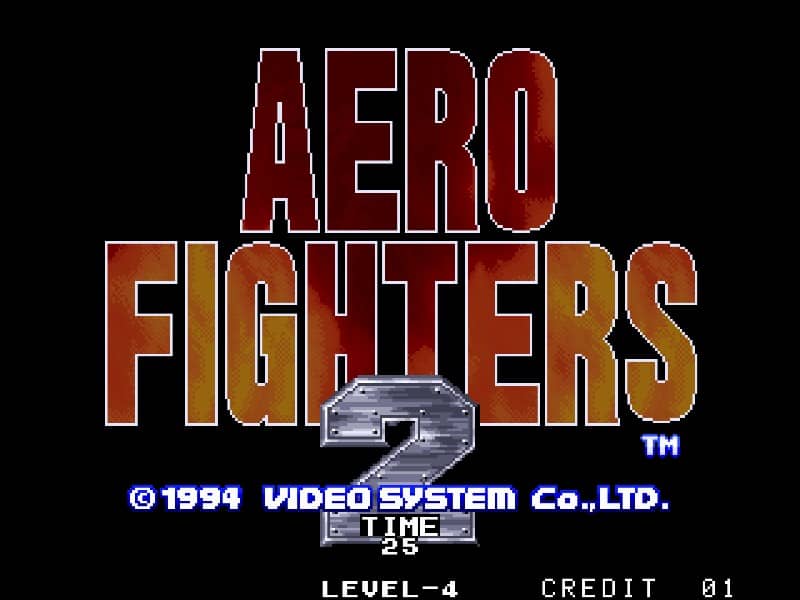
Aero Fighters II is a 1994 arcade scrolling shooter and the sequel to Sonic Wings. Players choose from an international cast of pilots, each with unique aircraft and special weapons, to battle a global terrorist organization.
Aero Fighters II is a 1994 arcade scrolling shooter and the sequel to Sonic Wings. Players choose from an international cast of pilots, each with unique aircraft and special weapons, to battle a global terrorist organization.
In Aero Fighters II, your objective is to pilot your chosen aircraft through vertically scrolling stages, destroying enemy planes, tanks, ships, and bosses. Each stage is filled with formations of enemies and environmental obstacles. You control your plane's movement and fire a standard weapon continuously. By collecting power-up icons, you can increase the strength and spread of your main shot. Each character also has a limited-use screen-clearing bomb that can be activated to escape tight situations. The core gameplay loop involves dodging dense enemy fire while strategically positioning yourself to maximize damage output. As a beginner, focus on learning enemy patterns and prioritizing the collection of power-ups to increase your firepower. The challenge escalates quickly, with mid-bosses and end-of-stage bosses requiring precise movement and pattern recognition. During tense moments, your bomb is a crucial survival tool, so use it wisely to avoid losing a life. The game is known for its fast pace and cooperative two-player mode, where teamwork can help manage the screen's chaos.
Tip: a gamepad makes special moves and long combos much easier than the keyboard.
Yes. Aero Fighters II runs directly in your browser and is free to play. Press Play Now on this page and the Arcade game starts in a new tab.
No. There is no download, ROM file or emulator setup. Everything runs in the browser, so you can start playing Aero Fighters II in a few seconds.
Yes. Aero Fighters II works in modern mobile browsers with on-screen touch controls. Chrome on Android and Safari on iPhone give the most stable experience.
Yes. Aero Fighters II supports online Net Play: create a room from the player menu and send the link to a friend to play together in real time.
 NES
NES1986 · Konami
 NES2P
NES2P1986 · Konami · 2 Players Online
 ARCADE
1987 · IREM
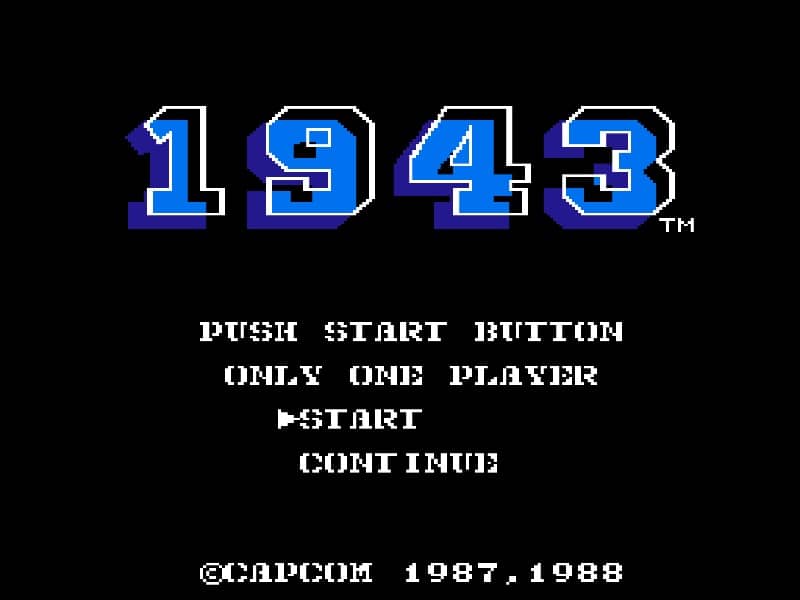 NES
NES1988 · Capcom
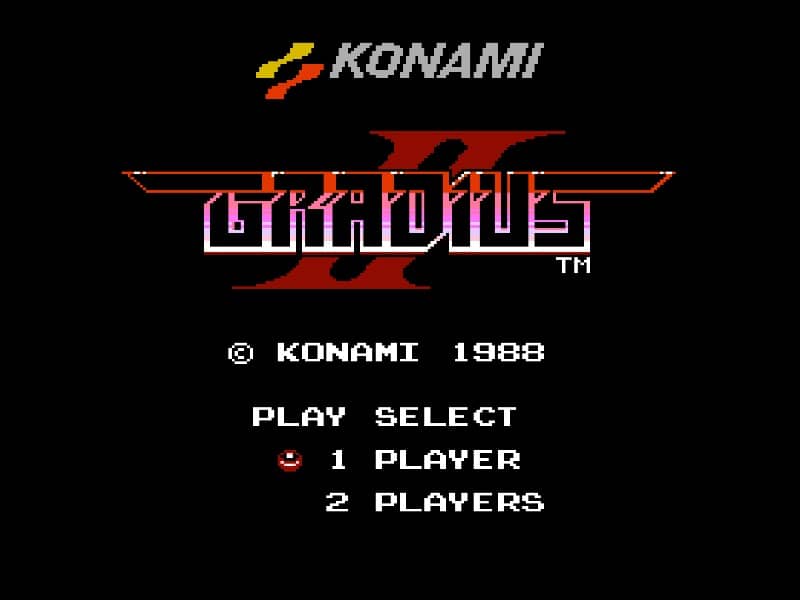 NES
NES1988 · Konami
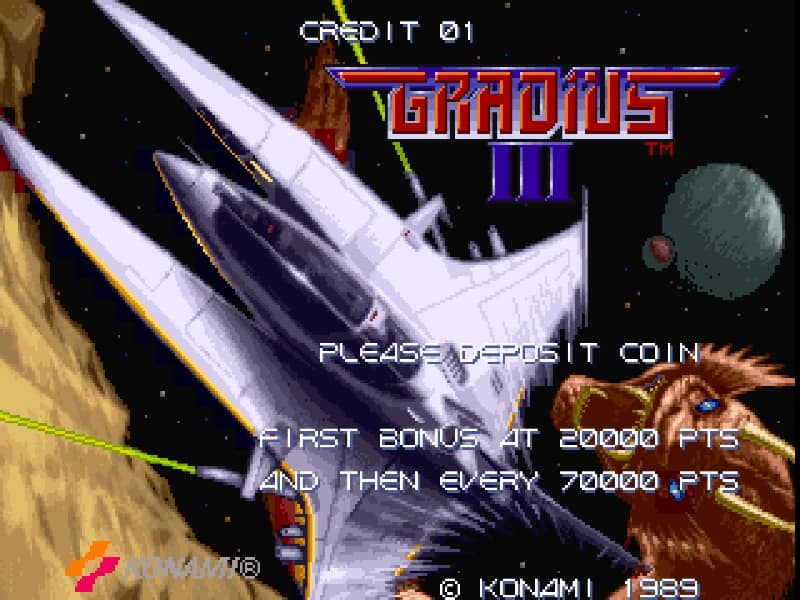 ARCADE
1989 · Konami
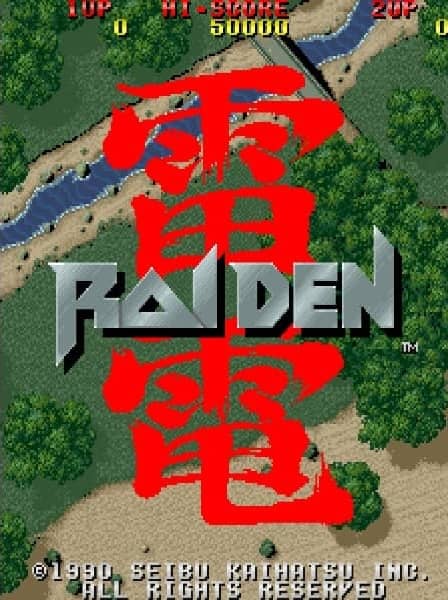 ARCADE2P
1990 · Seibu Kaihatsu · 2 Players Online
 GB
GB1991 · Konami
 ARCADE2P
1992 · Video System · 2 Players Online
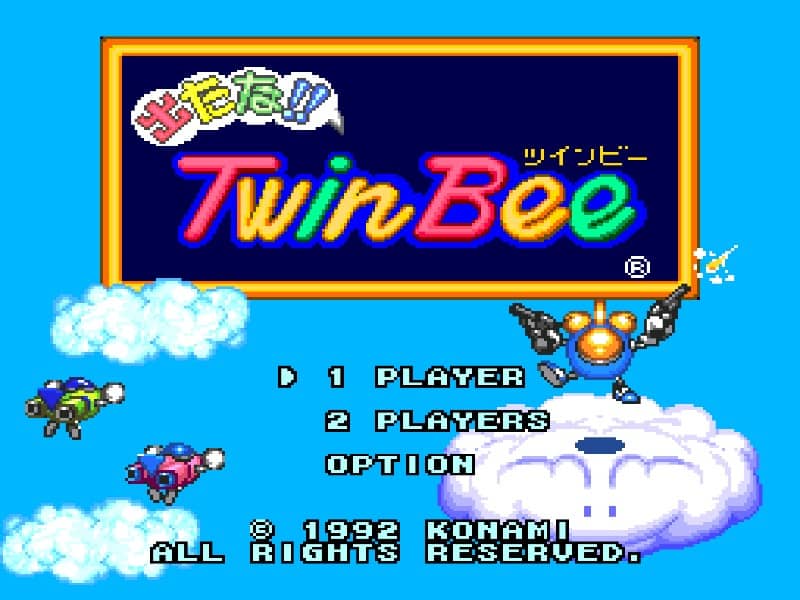 PCE
PCE1992 · Konami
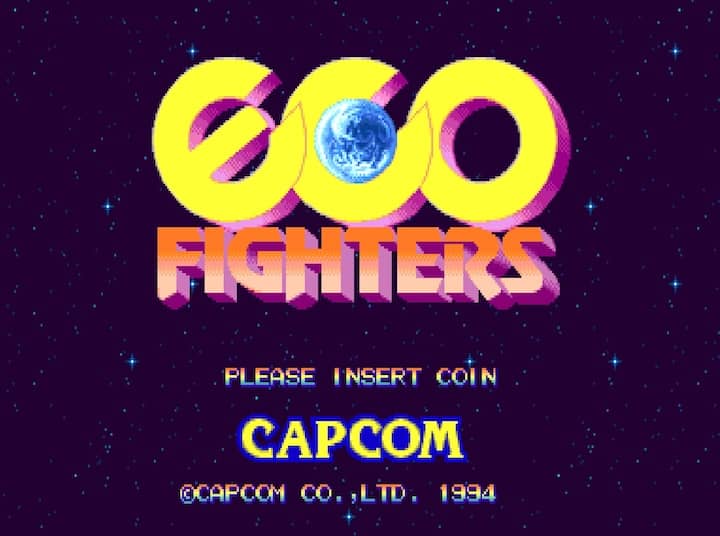 ARCADE2P
1993 · Capcom · 2 Players Online
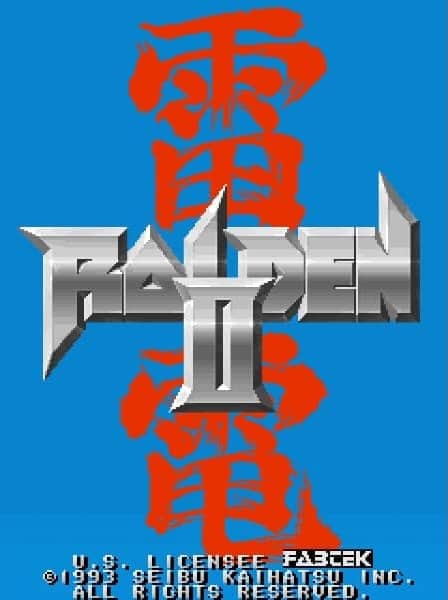 ARCADE2P
1993 · Seibu Kaihatsu · 2 Players Online
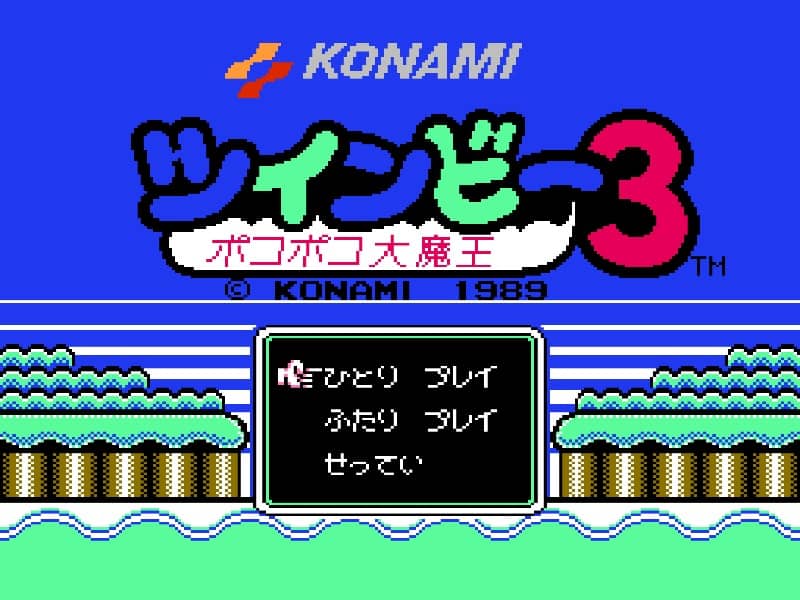 NES2P
NES2P1993 · Konami · 2 Players Online
 ARCADE2P
1994 · Seibu Kaihatsu · 2 Players Online
 ARCADE2P
1995 · Psikyo · 2 Players Online
 ARCADE2P
1995 · Video System · 2 Players Online
 ARCADE2P
1997 · Oriental Soft · 2 Players Online
 N64
N641997 · Video System
 PS1
PS11999 · Irem
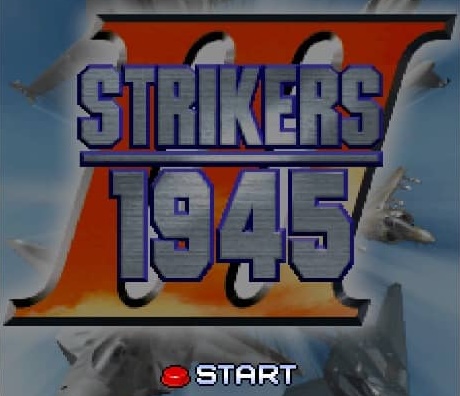 ARCADE2P
2000 · Oriental Soft · 2 Players Online
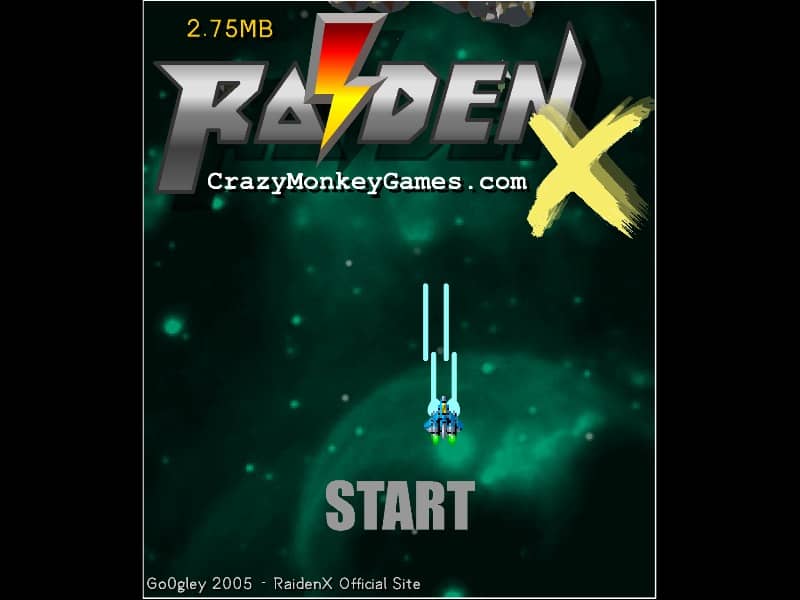 FLASH
FLASH2004 · GO2PLAY